Features · Gatheratt Companion
The event app nobody has to download.
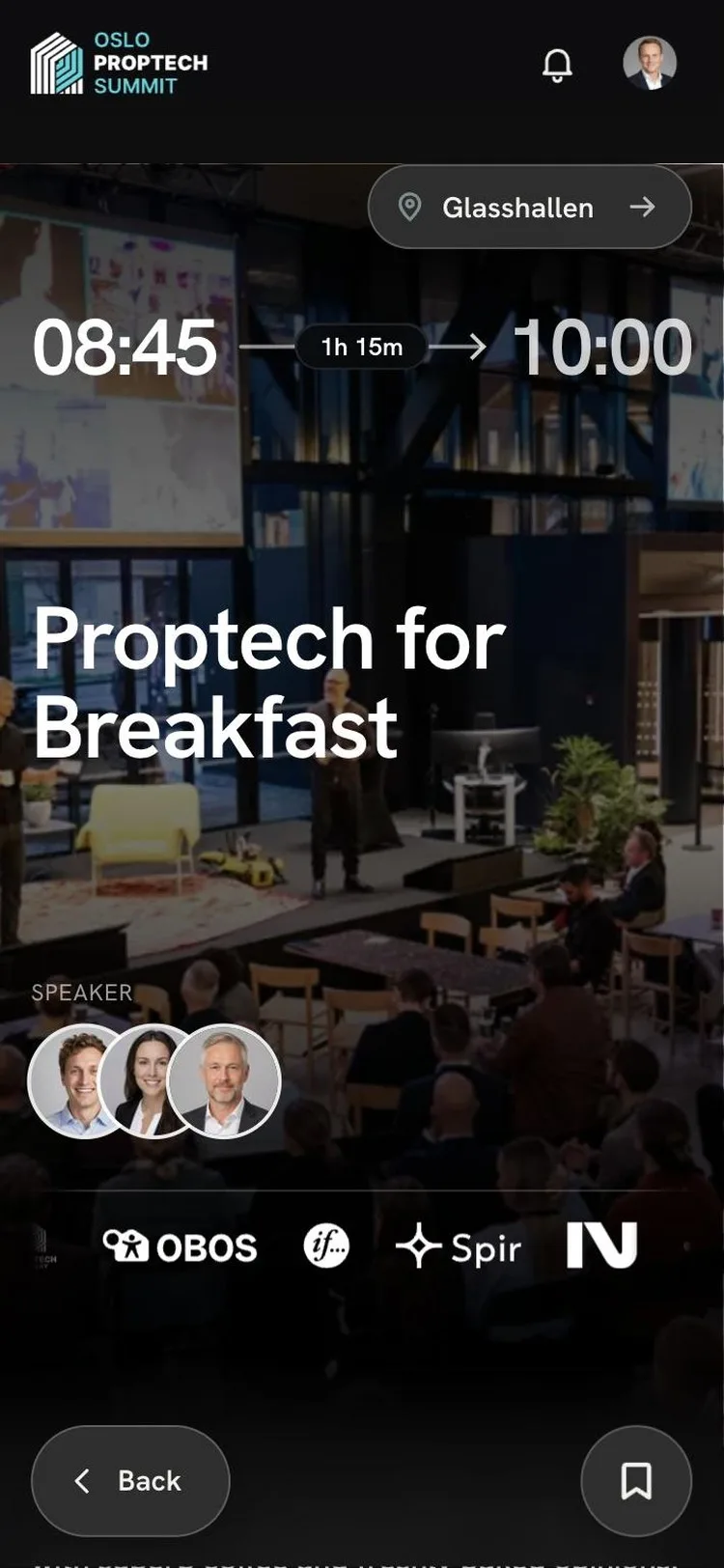
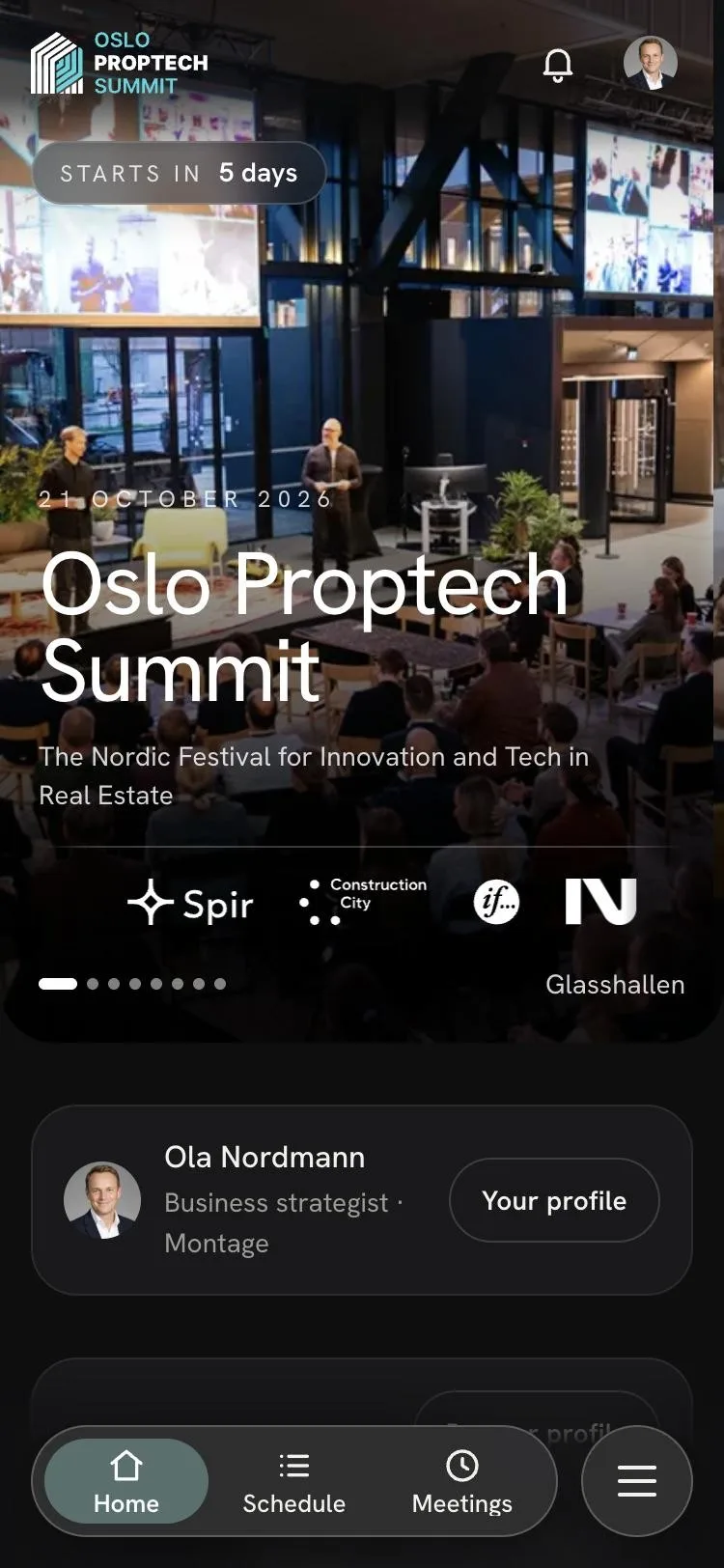
Gatheratt Companion opens in the phone’s browser. Attendees sign in with the email on their ticket and get the programme, their meetings, the floor plan and their badge. All of it comes from what you already have in Gatheratt.
The idea
An app is only as good as what is in it. Yours is already filled in.
- 01
Nothing to install
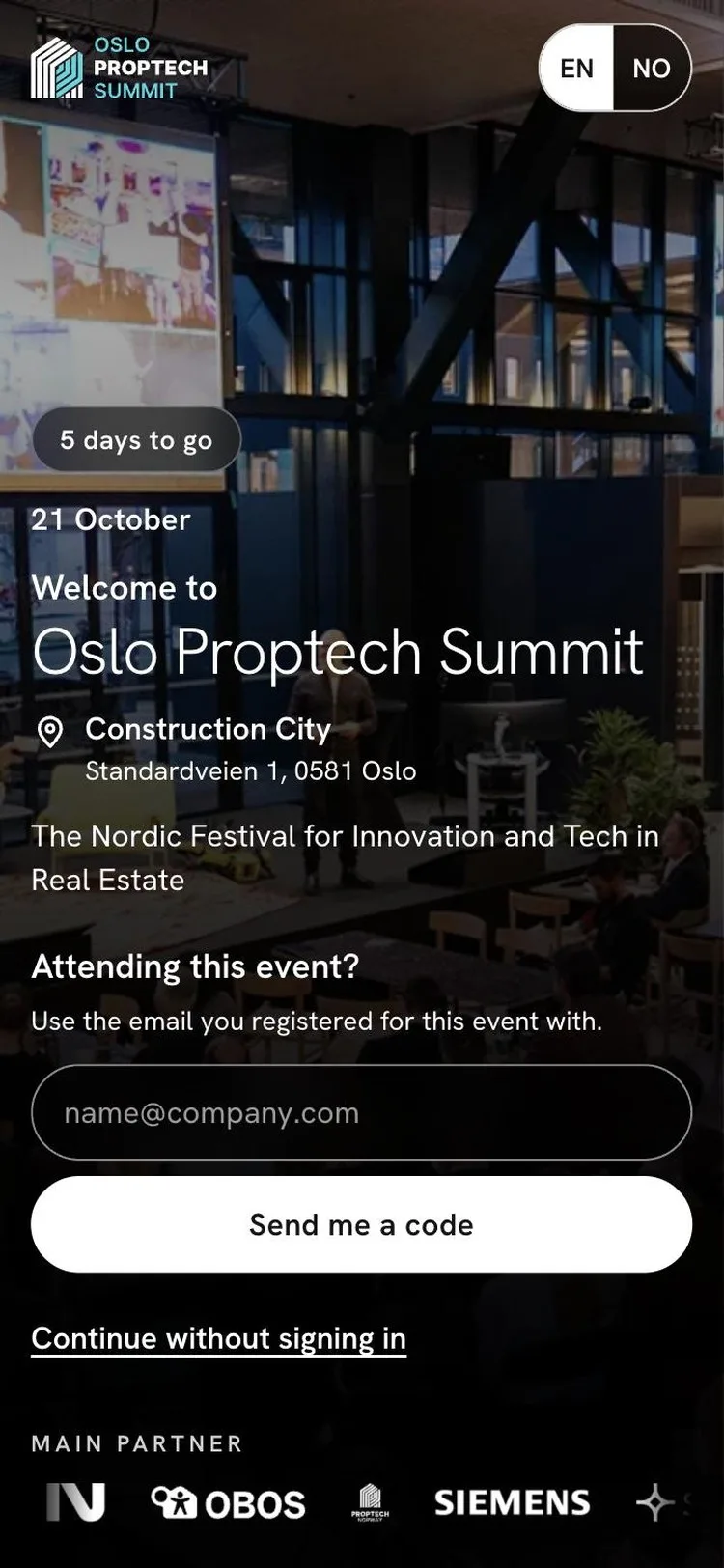
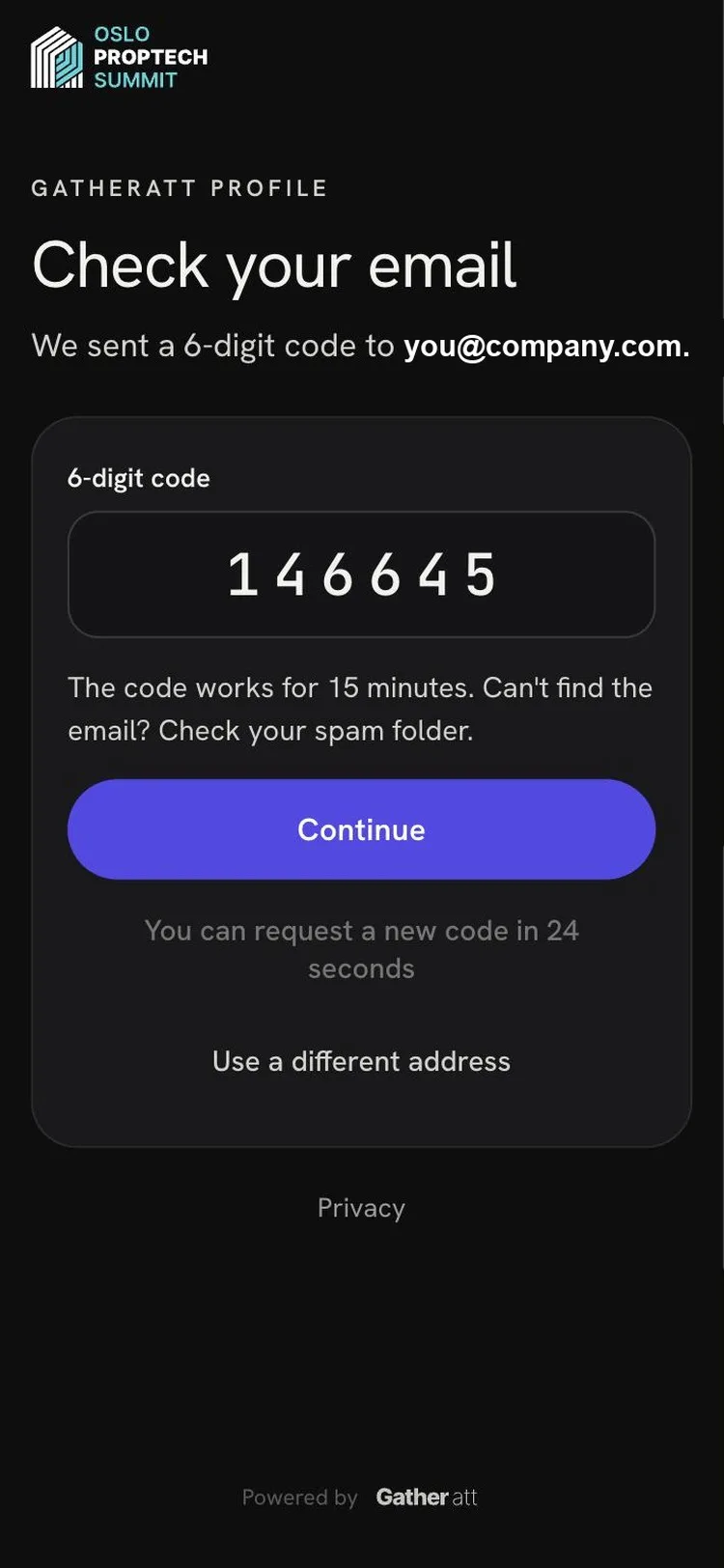
Attendees scan a QR code or tap a link, type the email on their ticket and get a six-digit code. There is no app store and no password, so they are in before the queue has moved.
- 02
Nothing to enter twice
The programme, the speakers, the partners, the stands and the floor plans are the ones you already keep in Gatheratt. Publish a session or swap a speaker, and the app shows it.
- 03
Each attendee decides
Everyone chooses whether to be in the attendee list and whether to take meeting requests. One Gatheratt profile follows them to the next event they attend.
What attendees get
The day, the people and the way there.
What you decide
- What is on
- Meetings, messages, the attendee list and side events are switches per event.
- Meetings
- The tables, the opening hours, the lengths and how many each person can book.
- The look
- A theme, your accent colour and which partner levels show on Home and on the badges.
- The map
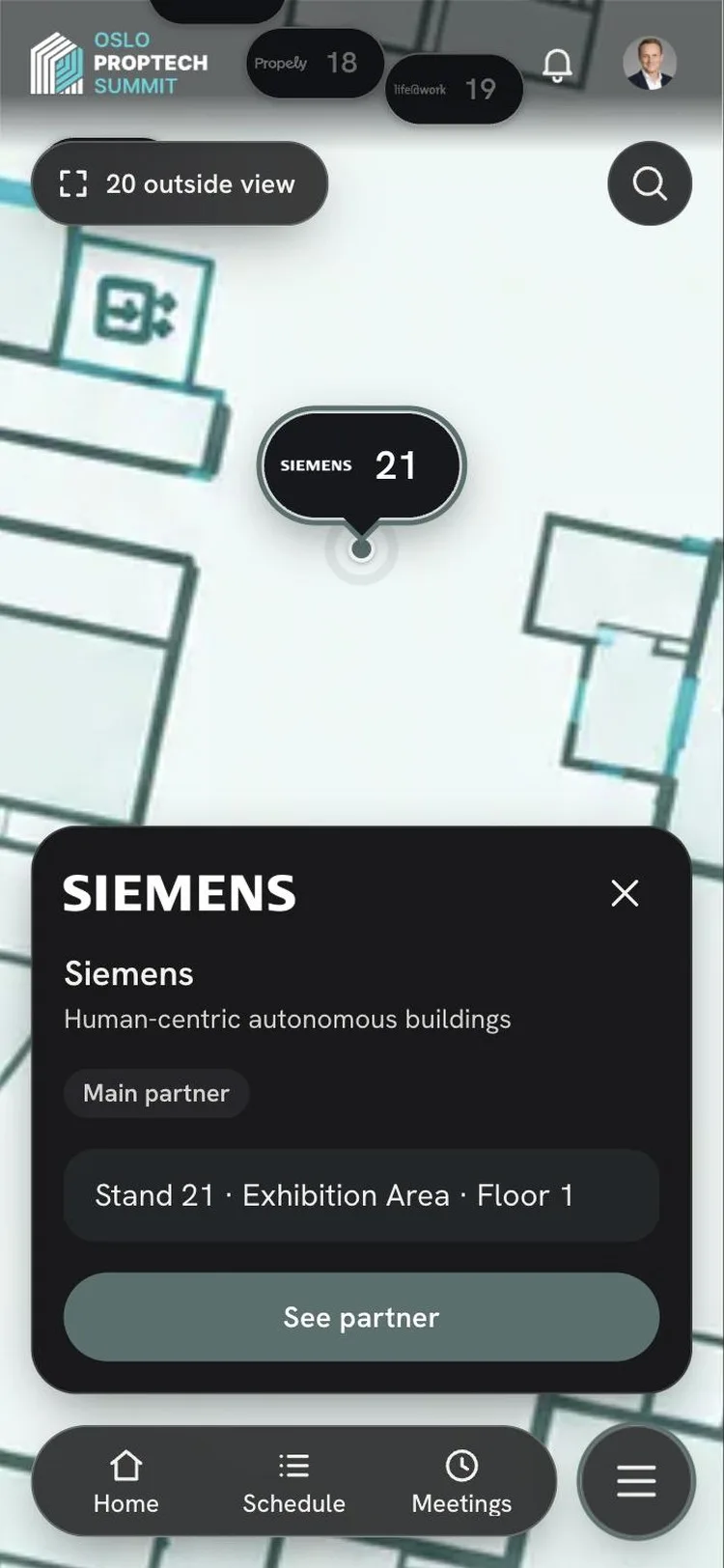
- Upload the floors and place the stands and stages. The app shows the way.
Not only for attendees
What happens in the app comes back to you.
For partners
Leads without a scanner to rent
When an attendee taps Connect, the lead is in the partner’s portal with an optional note. Each partner has a page of their own in the app, with their sessions, their stand and their people.
How we work with partnersFor your team
The numbers afterwards
Meetings per hour, how full the tables were and who met whom. After the event you get a report with sign-ins, saved sessions, meetings and messages.
For developers
Built on the API you get
Companion reads the same API and uses the same sign-in that are open to you. Anything it shows, your own website or app can show too.
More on headless
How it went at Oslo Proptech Summit 2026
Read the story- attendees signed in to the app
- 634
- sessions saved to My schedule
- 2,119
- meetings agreed and given a table
- 90
See it with your event
Put your event in their pocket.
We will show you Companion with your own programme, partners and floor plan.